Housing
A house is your private, persistent space in the world — storage, a base of operations, and a shopfront. This page walks through placing one, locking your belongings down so they are safe, granting access to others, keeping the house alive, and selling goods from a player vendor.
The single most important shard rule up front: one house per account
(AccountHouseLimit=1, from Config/Housing.cfg; see server rules).
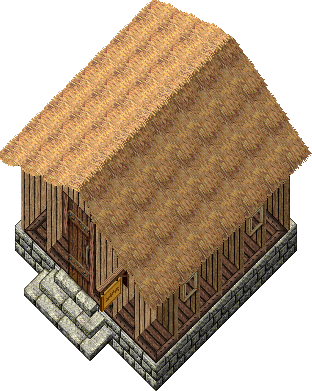
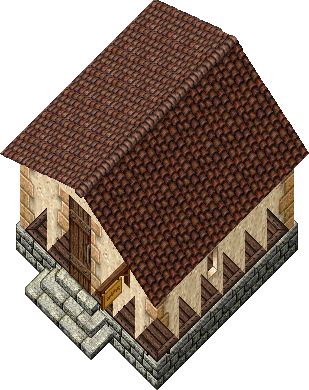
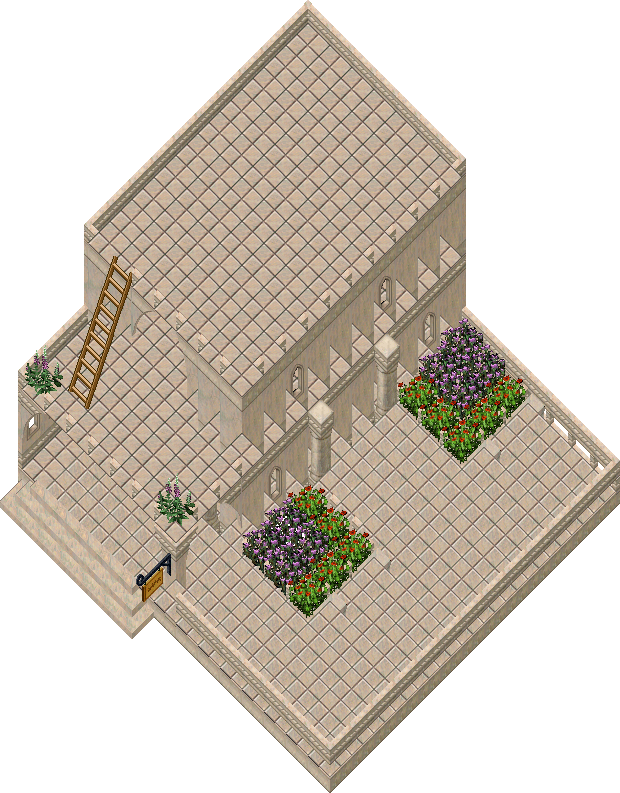
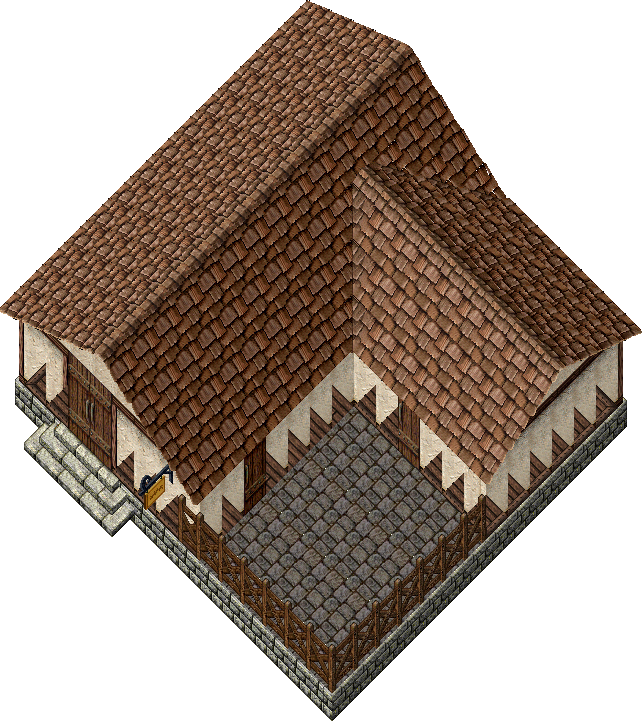
Houses range from a humble thatched cottage to a sprawling castle — these are the rendered exteriors of a few of the classic shells (the full set, with footprints and storage numbers, is on House Types):
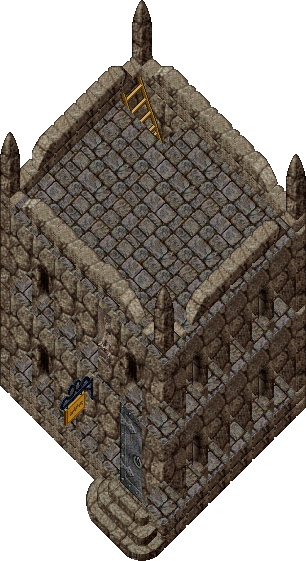
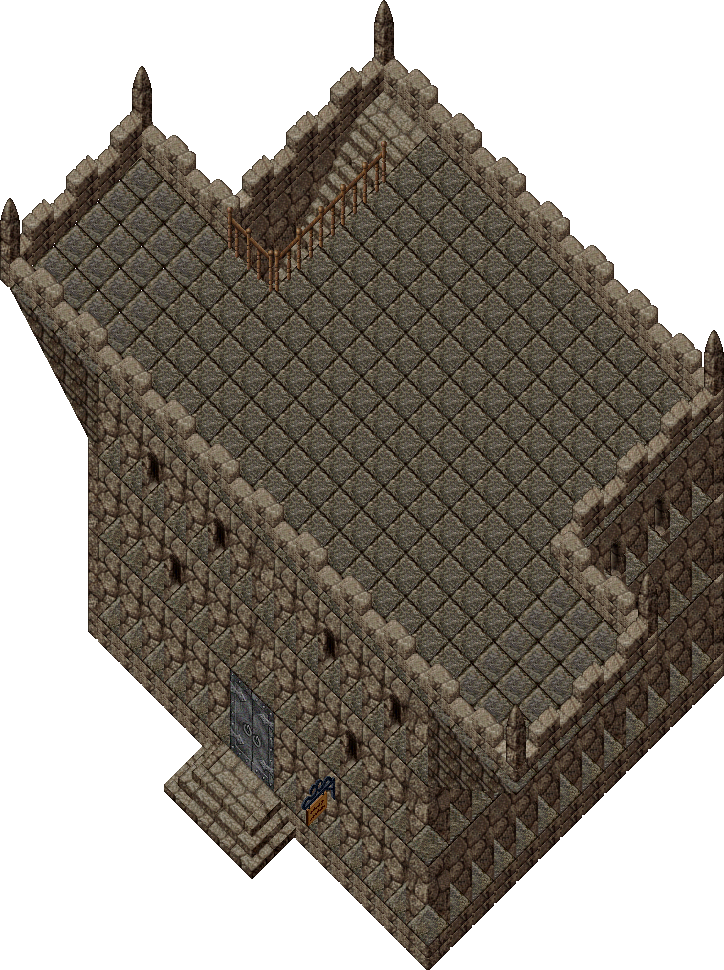
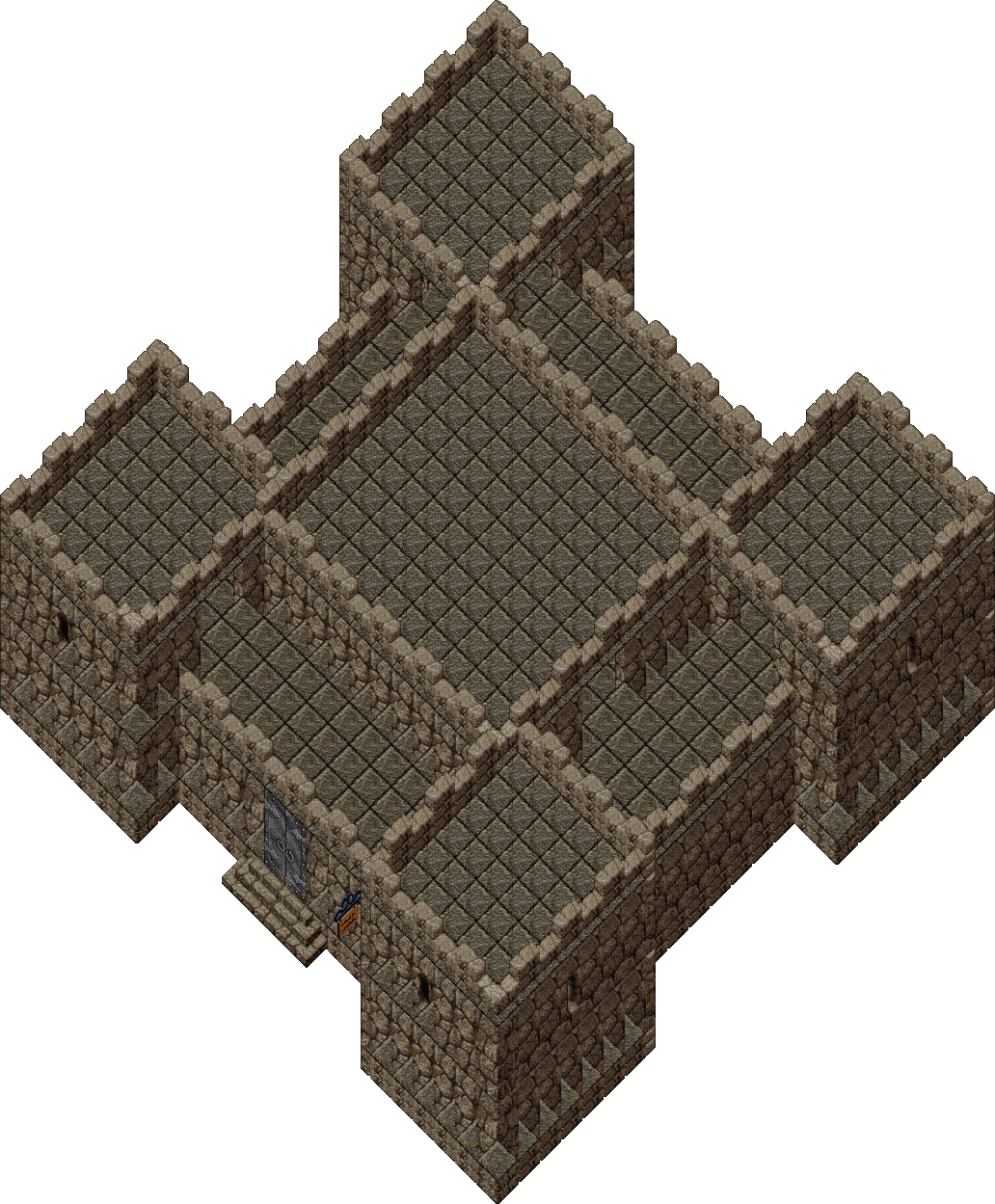
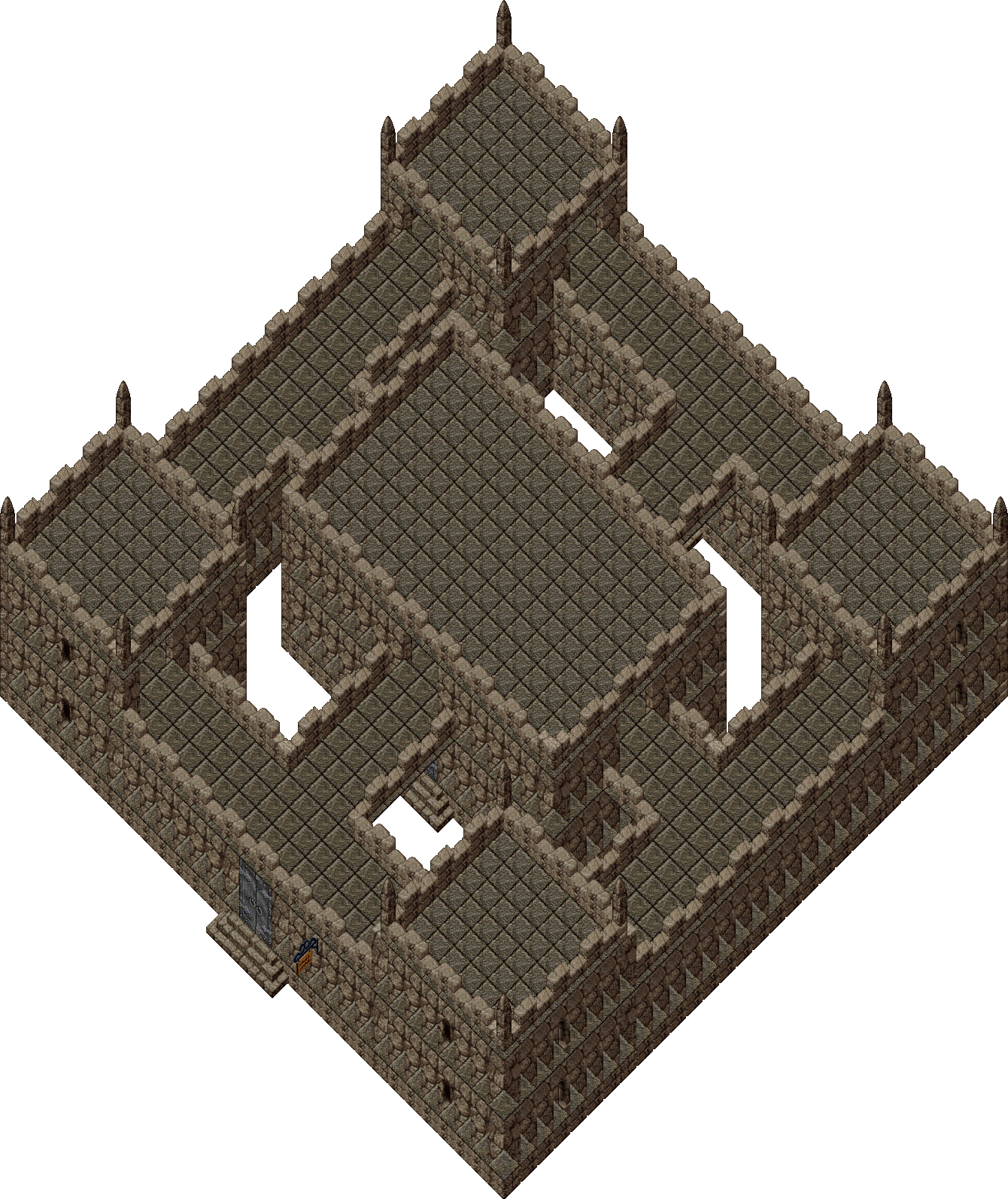
Placing a house
Section titled “Placing a house”You place a house from a house deed onto a valid, open plot of land.
To place a house:
- Obtain a house deed (bought from an architect/real-estate NPC or another player). The deed corresponds to a specific house size/style.
- Find an open plot — flat, unobstructed ground large enough for the house’s footprint, not overlapping roads, other houses, spawn points, or no-build regions. Towns and many special regions do not allow placement.
- Double-click the deed. A translucent footprint preview appears under your cursor showing exactly where the house will sit.
- Position the footprint until it shows as a valid (placeable) location, then confirm placement.
- The deed is consumed and the house appears, with you as its owner. You receive the house key.
If placement is blocked, the client tells you why (obstruction, too close to another house, invalid region). Move and try again.
Which house to place? See House Types for the full catalogue — every classic (pre-built) house and customizable foundation, with footprint, storage, cost, and an exterior render of each. Once it’s standing, Decorating walks through furnishing the interior.
Customization
Section titled “Customization”If your house is a customizable foundation, you can redesign the whole structure yourself — walls, floors, stairs, roofs, doors, and teleporters — from the house sign’s “Customize This House” mode. Classic pre-built shells are placed as-is and cannot be redesigned. Customizing is free to enter, but committing a design charges (or refunds) gold from your bank based on how elaborate the layout is. The full walkthrough — design tools, multiple stories, the backup/commit/revert workflow, and costs — has its own page: Customizing Your House.
Lockdowns and secures
Section titled “Lockdowns and secures”By default, items you drop inside a house are loose — they can decay and, in PvP rules, may be vulnerable. To keep belongings safe you lock them down or secure a container.
- Lockdown — pins an item in place so it does not decay and cannot be casually moved or stolen by visitors. Lock down decorations, crafting tools, and display pieces. To lock down: open the house menu (house sign or context menu), choose Lock Down, and target the item.
- Secure — designates a container as secured storage. Items inside a secured container are protected and only accessible to the access levels you allow. To secure: choose Secure from the house menu and target a container; you then set who may access it (owner only, co-owners, friends, or anyone).
- Release — the inverse (Release / Unsecure) returns an item or container to loose status so you can pick it up or move it.
Both lockdowns and secures count against your house’s storage limits (below).
You can do all of this by voice instead of the menu: say I wish to lock this down,
I wish to secure this, I wish to release this, I wish to place a trash barrel,
I ban thee, and so on, standing inside your house. See
Verbal Commands → Housing for the full list,
required access level, and how these are matched.
Keys, co-owners, and friends
Section titled “Keys, co-owners, and friends”Houses use a tiered access system. From most to least privileged:
| Level | Can do |
|---|---|
| Owner | Everything: place/demolish, customize, set all access, lock down/secure, ban. |
| Co-owner | Most owner powers except demolishing/transferring: access secures, lock down, add friends. |
| Friend | Enter freely, open doors, use friend-accessible secures; cannot change the house. |
| Anyone (public) | If the house is set public, anyone may enter; private houses bar non-friends. |
Manage these from the house sign menu: Add Co-owner, Add Friend, Remove, and Ban target a player to set their level.
Keys: the owner holds the house key, which locks/unlocks the doors. You can make duplicate keys for trusted players or rekey the house if a key is lost or compromised. Co-owners and friends can typically open doors without a physical key by virtue of their access level.
House decay and refreshing
Section titled “House decay and refreshing”Houses decay over time if neglected. To keep a house alive you refresh it, which
resets it to the top of the decay ladder. How refreshing works depends on whether the house
is your account’s most recently placed one (BaseHouse.cs, DecayType):
- Your newest house auto-refreshes as long as the account stays active — you don’t have
to visit it. It only becomes liable to decay when the account goes inactive
(no login for 180 days; 30 days if the account has no characters —
Account.cs,InactiveDuration/EmptyInactiveDuration,BaseHouse.csDecayTypereturnsAutoRefreshfor the newest house andCondemnedonce the account is inactive). - Any older house (if you somehow hold more than one — see the one-house rule) is
manual-refresh only: it decays on a timer and is refreshed by using its house sign
(
HouseSign.cscallsRefreshDecay()).
A house left unrefreshed degrades through a series of condition stages and finally collapses, dropping everything inside it onto the ground.
The house sign reports the current condition, which is the decay stage
(BaseHouse.cs, DecayLevel):
| Condition (house sign) | Stage |
|---|---|
| Like new | freshly refreshed |
| Slightly worn | decay has begun |
| Somewhat worn | |
| Fairly worn | |
| Greatly worn | almost gone |
| In danger of collapsing | IDOC — collapse is imminent |
| (collapsed) | the house falls and drops its contents |
How long it takes. Our shard runs dynamic decay (DynamicDecay.Enabled = Core.ML,
and we are on EJ). Instead of one fixed timer, the house spends a randomized time at each
stage before advancing: the four middle stages (Slightly → Greatly) each last roughly
1–2 days, and IDOC lasts about 12–24 hours before the house collapses. So a house
that is never refreshed survives on the order of a week from a full refresh to
collapse — but the exact moment is deliberately randomized so collapses aren’t perfectly
predictable. (When dynamic decay is off, the fallback is a flat 5-day DecayPeriod
split by percentage: IDOC at 95–99.9%, collapse at 100%.)
Refresh in time. With one house per account and only the most recently placed house auto-refreshing, your current house stays Like new automatically while you keep logging in. Just don’t let the account lapse past the inactivity window. When in doubt, check the sign — it reports the current condition.
When a house falls: IDOC and the loot rush
Section titled “When a house falls: IDOC and the loot rush”A house at “in danger of collapsing” (IDOC) is the most dramatic event in UO’s housing game. When the collapse timer runs out, the structure vanishes and all of its contents — everything that was locked down or secured inside — drops to the ground in a pile for anyone to grab.
- It becomes a free-for-all. The contents are no longer protected by the house, so the first players to reach the falling house can loot the pile. Veteran players track houses through the decay stages and stake out promising IDOCs, hoping for rare decorations, stockpiled resources, or gold left behind by a quitting player.
- In Felucca, expect large-scale PvP. Because Felucca is an open-PvP facet with no guard protection in the wilderness, a valuable IDOC routinely turns into a pitched battle — groups fight over the drop, kill each other for the loot, and the spoils go to whoever survives the scrum. This is one of the classic sources of open-world PvP on the shard.
- In Trammel (and other non-PvP areas) it is a non-combat scramble — a footrace to grab the most before others, but no one can attack you.
- The randomized IDOC window (12–24h) is deliberate: it stops everyone from timing the exact second of collapse, so IDOC hunters have to camp or keep checking.
If your house is heading toward IDOC, the lesson is simple: visit and refresh it long before it gets there, or move your valuables out — once it collapses, the pile is fair game.
Moving heavy loads with Gate Travel
Section titled “Moving heavy loads with Gate Travel”There is a practical movement trick worth knowing when you are relocating a houseful of goods, and it rests on a real asymmetry between the two travel spells:
- Recall refuses to work when you are overloaded. Its cast check
rejects an over-weight caster with “Thou art too encumbered to move”
(
Recall.csCheckCast→WeightOverloading.IsOverloaded). - Gate Travel has no weight check at all.
GateTravel.csCheckCastonly blocks for the usual reasons (carrying a sigil, being a criminal, mid-combat) — not for being overloaded. So you can open a gate while carrying far more than your limit.
And the gate the spell creates is a moongate (InternalItem : Moongate): stepping
through it just calls MoveToWorld and teleports you — and your pets — with no
encumbrance check whatsoever. Public moongates work the
same way.
So the way to relocate a pack stuffed far past your carry limit is:
- Mark a rune at the destination beforehand (you need a clear pack to Recall out to mark, so do this first).
- Load up past your weight limit, then cast Gate Travel to that rune — it succeeds even though you’re overloaded.
- Step through the gate. It teleports you and your heavy load instantly — no Recall, and
no running (walking while overweight drains stamina until you stop entirely,
WeightOverloading.cs; see Items & inventory → weight).
It is the dependable way to shift bulk goods, resources, or furniture between regions when you are too encumbered to Recall or run. For bulk resources specifically, also consider commodity deeds, which compress a huge stack into one light deed — see Items & inventory.
Placing a player vendor
Section titled “Placing a player vendor”A player vendor is an NPC you hire to stand in your house (or on your plot) and sell your goods to passers-by while you are offline.
To set up a player vendor:
- Acquire a vendor contract / vendor deed.
- Stand where you want the vendor and use the deed; name the vendor when prompted.
- Stock the vendor: drag items onto it, and price each item. The vendor charges you a small ongoing fee from its held gold based on inventory value.
- Customers double-click the vendor, “buy” the priced items, and the gold accrues to the vendor for you to collect.
Full buying/selling mechanics, fees, and how customers interact are on Vendors & banking. Keep the vendor funded so it is not dismissed for unpaid fees.
Storage limits
Section titled “Storage limits”Each house has a finite storage capacity — a combined budget of lockdowns and secures it can hold, scaled by house size (bigger houses store more). When you hit the limit you cannot lock down or secure anything new until you release something. The exact per-house numbers on this shard are unverified; the house sign menu reports your current lockdown/secure usage versus the maximum.
Shard housing rules (summary)
Section titled “Shard housing rules (summary)”From Config/Housing.cfg and server rules:
| Rule | Value | Source |
|---|---|---|
| Houses per account | 1 | AccountHouseLimit=1 |
| Auto-refresh | Only the most recently placed house auto-refreshes (while the account is active) | BaseHouse.cs DecayType |
Plan accordingly: choose your one plot deliberately, and refreshing your current house is what keeps it standing.
See also
Section titled “See also”- Verbal Commands — spoken house commands (lock down, secure, ban, trash barrel, resize)
- House Types — every house and foundation, with size, storage, and cost
- Decorating — furnishing your house with the decorator tool
- Vendors & banking — player vendors, buying and selling
- Items & inventory — what you store
- Server rules — the housing config in context
- Notoriety & PvP — house access and theft flagging
- Movement & travel — marking a rune to recall home